
Product engineering
Messaging as a service: bring conversations into your product
What hosted in-app messaging means, how ConvoKit’s SDKs and UI libraries help, and which decisions stay with your team.
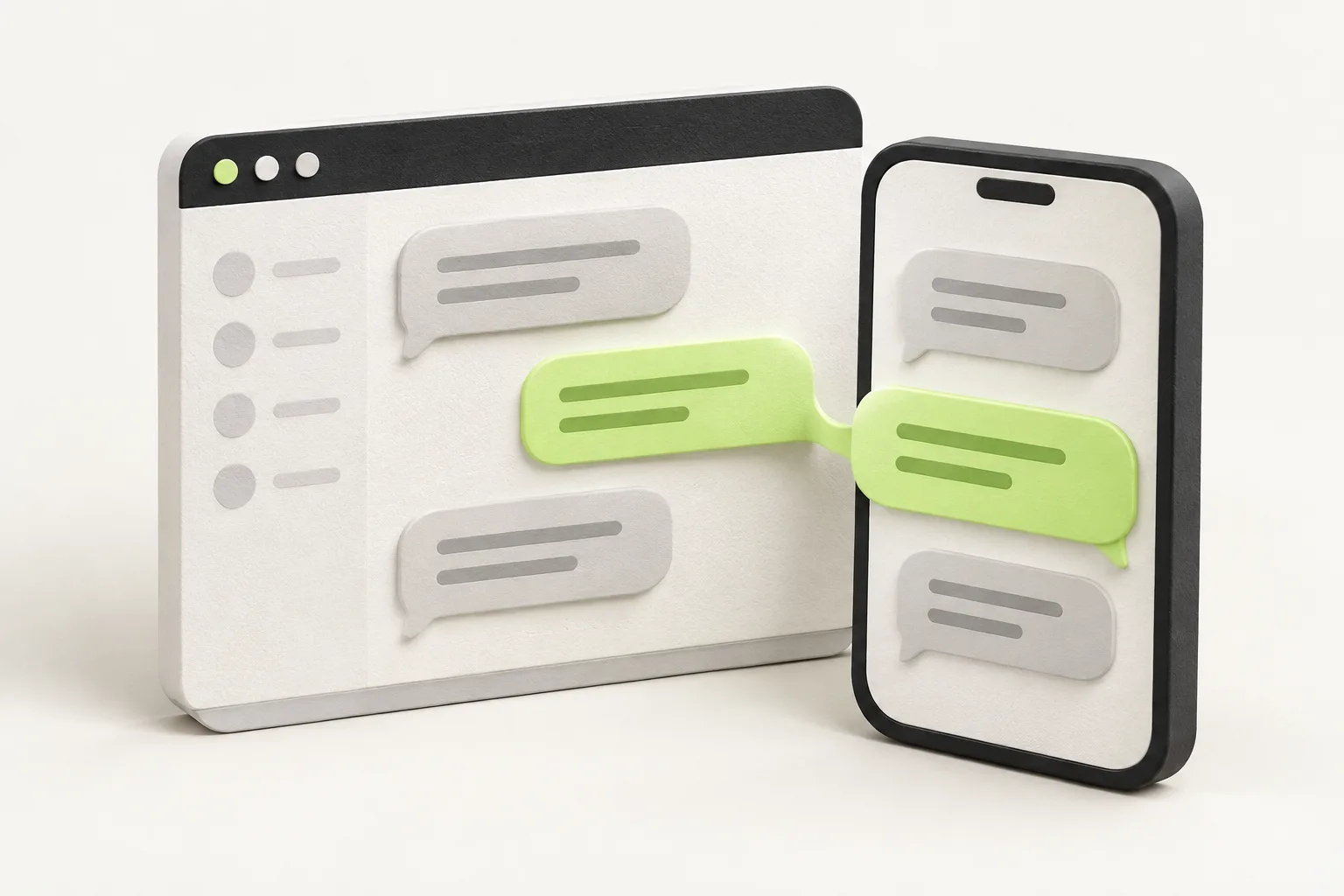
A buyer has a question about an order. A customer needs to share a screenshot with support. A project team wants to discuss the work in front of them. In each case, messaging is most useful when it stays close to the thing people are trying to do.
Adding that conversation to your product takes more than a text box and a send button. You need history, access rules, attachments, live updates, and a sensible experience when someone loses their connection. Messaging as a service lets you integrate these building blocks without making a complete chat backend your next product.
What is messaging as a service?
For in-app chat, messaging as a service means using a hosted platform to store conversations, manage messaging access, and deliver updates through APIs and client SDKs. Your product supplies the context: who is signed in, who can talk to whom, and where the conversation belongs in the experience.
This is different from a message queue used to pass jobs between servers, or an SMS service used to send texts to phone numbers. The focus here is conversations between people inside your application, with a history they can return to.
ConvoKit provides that hosted conversation layer, together with core SDKs, optional UI libraries, and a dashboard. You keep your application’s sign-in system and product logic; ConvoKit becomes part of the experience you build.
The work behind a send button
A first prototype can make chat look small. The complexity shows up in everyday use. Someone opens a long conversation on a second device. A connection drops just after a message is accepted. A member leaves a room. A file needs to be visible to the right people, not everyone with a room ID.
A useful messaging integration needs to account for all of these:
- Conversation history: load earlier messages in pages instead of fetching everything at once.
- Live state: receive new messages, typing events, and read-receipt updates.
- Membership: distinguish a person who may read a conversation from one who may also send.
- Send confirmation: reconcile a pending message with the accepted message without displaying it twice.
- Connection recovery: refresh relevant data after a temporary interruption.
- Attachments: upload media and present images or files within the conversation.
These are recurring messaging concerns. Reusing a service and its libraries gives your team an existing foundation for them, leaving more implementation time for the workflow that makes your product useful.
Where ConvoKit helps
Keep the conversation in context
Consider a marketplace. Your application can associate a ConvoKit conversation with an order and show it beside the order details. A buyer can ask about delivery without opening a separate chat tool or explaining which purchase they mean. Your backend decides which buyer, seller, or support representative belongs in that conversation.
The same pattern works for a support case, a shared project, or a community space. ConvoKit supplies the conversation; your application gives it meaning. Keeping those together can reduce the context people have to repeat.
Choose how much UI you want to own
You can use the core SDKs for JavaScript, Flutter, Android, and Swift when you want to build your own interface. If you want a ready-made starting point, ConvoKit also offers UI libraries for React, Vue, Flutter, Android, and SwiftUI.
SDK-backed components include chat behavior such as history loading, pagination, sending state, typing indicators, and read-receipt state. Platform-specific options let you adjust presentation and replace parts of the UI. You can begin with the provided components, then customize the pieces that need to fit your product.
There is an important distinction: controlled views render the data and callbacks you provide. They do not fetch messages or submit read receipts on their own. Pick the SDK-backed layer when you want those behaviors included; pick controlled views when your application needs to own that state.
Reuse messaging behavior across your apps
The core SDK handles the authenticated connection and token renewal through your token provider. SDK-backed UI adds pending-message reconciliation and catches up after temporary connection interruptions. That reduces the messaging-specific state your team needs to recreate in each client.
It also gives your designers a clearer vocabulary. “Sending,” “sent,” and “read” are different states: server acceptance is not proof of delivery to a device, and a read receipt represents a reported read position, not proof of attention. The messaging behavior guide explains these distinctions and the responsibilities of custom UI.
Make the feature easier to operate
Shipping chat also means understanding what happens after release. The ConvoKit dashboard lets authorized team members manage app users and inspect conversations and message history. You can investigate a conversation through an existing tool instead of building every internal support screen alongside your first chat integration. The dashboard guide covers access roles and available workflows.
What your application still owns
A hosted messaging layer does not replace your product’s rules. Keeping the boundary explicit makes an integration easier to reason about:
- Identity and tokens. Your backend verifies the signed-in user, syncs their app user, and obtains a scoped token. App secrets stay on your backend, never in a browser or mobile build.
- Who can join. Your backend decides conversation membership and access. Knowing a conversation ID alone does not grant access.
- The surrounding experience. Your app owns navigation, room discovery, file selection, and opening or downloading attachments.
- Product policies. Define the moderation, retention, notification, and privacy behavior your use case needs, and check each requirement against the available APIs.
You should also evaluate usage costs, platform support, and any special requirements before committing to an integration. A hosted service still has an API contract and operational limits; it is not a promise of unlimited capacity, a complete offline experience, or every chat feature out of the box. Start with the pricing page and your platform’s guide.
Start with one real conversation
A useful first integration is deliberately small. Choose a single workflow where people already need to communicate, such as a buyer asking a seller about an order. Then follow this path:
- Create your ConvoKit app and follow the quickstart.
- Connect your existing sign-in system to a backend token endpoint using the authentication guide.
- Create a conversation for the permitted participants and choose a core SDK or SDK-backed UI library.
- Test with two users: send a message, add an attachment, load earlier history, and reconnect after an interruption.
- Check the access boundaries too: a non-member should not be able to read the conversation.
From there, refine the interface around the workflow. The benefit of messaging as a service is having a conversation foundation to build on, while keeping the product decisions in your hands.